
















Line Rider
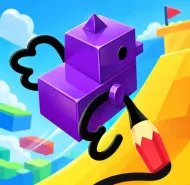
Line Rider is a creative sandbox simulation game where simple lines turn into exciting sled rides. From a blank canvas, you can transform your ideas into dynamic and surprising motion.
Overview of Line Rider
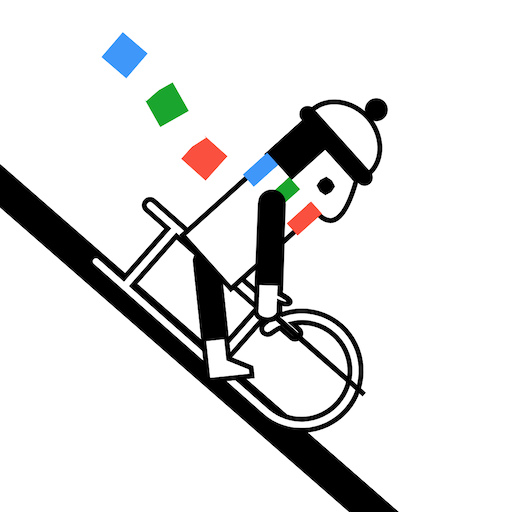
In Line Rider, players indirectly control a character named Bosh by drawing paths for his sled. Once the ride begins, physics elements like gravity and friction influence movement, creating a relaxing yet highly creative experience.
Gameplay: From Drawing to Motion
Draw the Track
You are free to sketch slopes, curves, or complex terrain to guide Bosh. Smooth lines ensure stable movement, while sharp angles can cause crashes.
Observe and Experiment
Press Play to see how your track performs. Each test run is a chance to discover new outcomes or improve your design.
Refine the Details
Use undo and zoom tools to adjust small sections, ensuring smoothness and precision throughout the track.
Unlimited Creativity
Build large maps with layered scenery, from thrilling stunt tracks to artistic motion designs.
Types of Lines in the Game
- Blue Line: Standard rideable surface
- Orange Line: Instant speed boost
- Green Line: Decorative, no physical impact
Controls
- Left Click + Drag: Draw lines
- S: Toggle draw/view mode
- Space: Play or pause
- Ctrl + Z: Undo
- Mouse Wheel: Zoom
- Right Click + Drag: Move camera
- Q / W / E: Switch drawing tools
Conclusion
Line Rider is more than just a game, it’s a creative tool where simple sketches become artistic motion experiences. Try it now and create your own unique ride!